
IKnewU
AI Face Swap – Instant Face Replacement in Photos
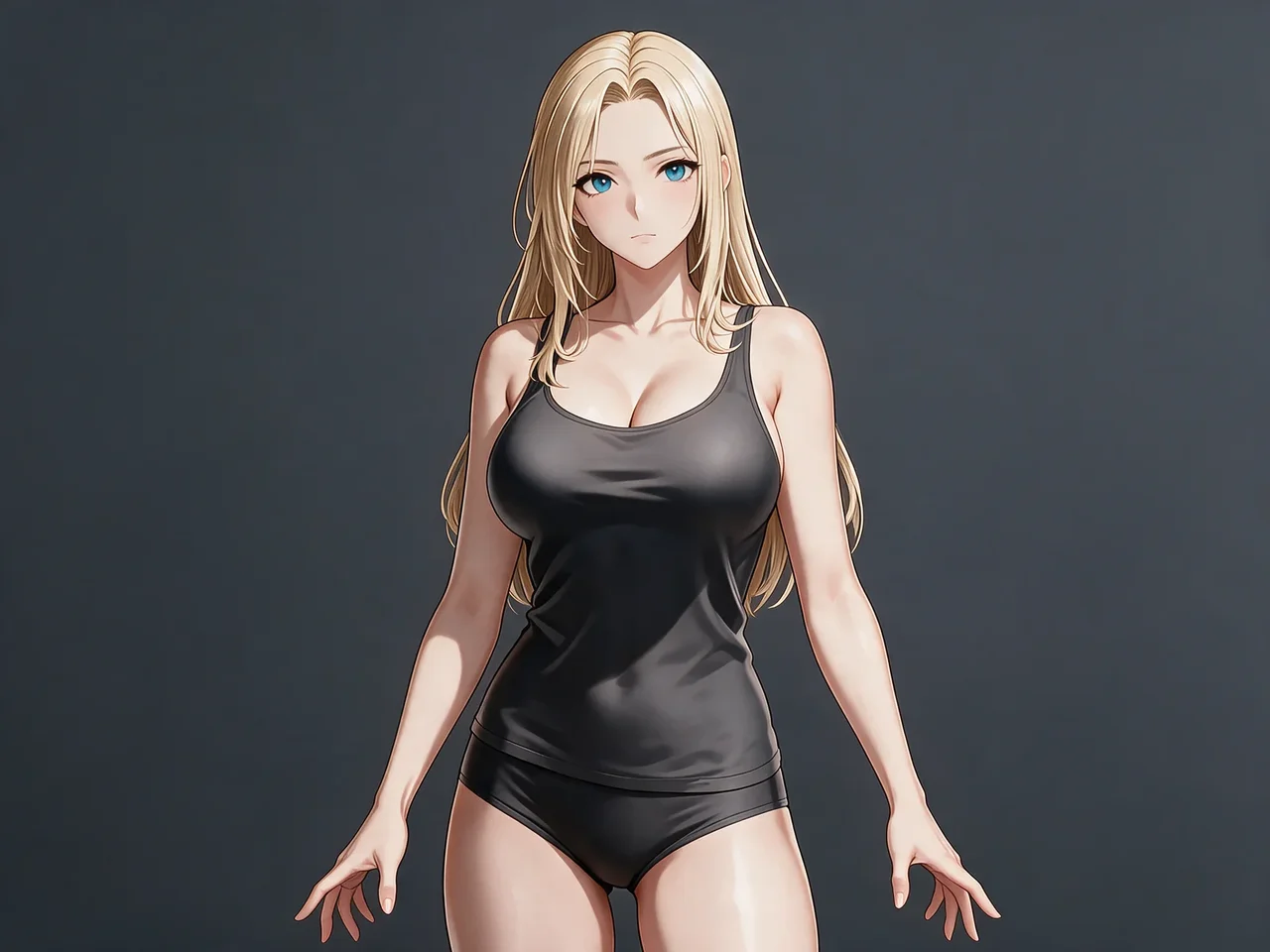
People looking for face swap or ai face swap want one identity placed into another picture. This route is VideoAny's Face Swap workbench. This is VideoAny. Upload two files: a target image that holds the scene, and a face image that holds the identity you are allowed to use. A prompt is optional when you want extra control. The credit cost appears before you submit. The stills below are illustrative fictional adults, including a side-by-side identity example. They are not a verified result of your files, and they are not a non-consensual real-identity swap. This page refuses unauthorized real-identity requests. Do not depict minors.






Which model can this ai face swap page actually submit?
The selector on this page is locked to Face Swap. You upload a target image and a face image. A prompt is optional. Aspect ratio can follow the target. The credit cost for that submission appears before you submit. The logos below are the shared image-model strip; this lock does not submit those other models.
01
Stay on Face Swap for an identity replacement
Face Swap is the model this route submits. It expects two pictures: the target that should keep the scene, and the face that should supply the identity. Switching away from this page would leave the lock. Read the credit cost on the form before you submit. Current service rules still apply.
02
Match the ratio to the target when the scene must stay
If the result should keep the target crop, choose the closest aspect ratio to that file. A mismatched ratio can crop the body or invent edge space. The ratio does not replace either upload. You still need both the target image and the face image.
03
Treat the optional prompt as a small correction, not a new scene
A prompt is optional. Use it only when the two uploads are not enough, for example to ask for the same expression or the same crop. A long scene description can pull the result away from the target. Leave the prompt empty when the files already say the job.
What do you upload for an ai face swap, and what should stay put?
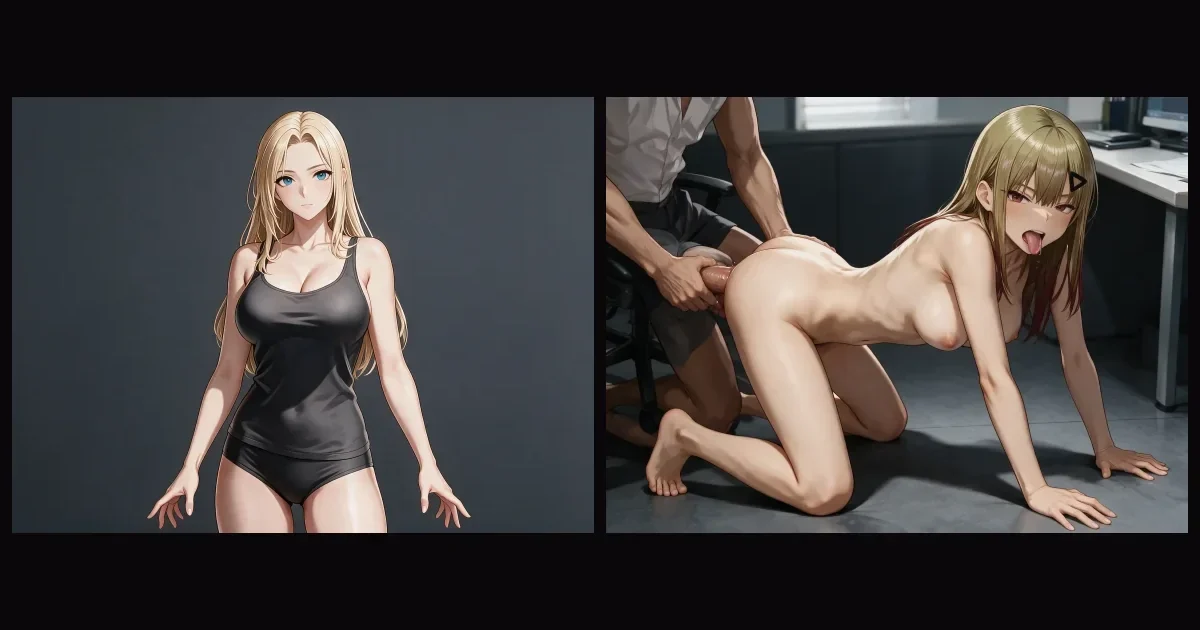
An ai face swap on VideoAny needs two files. The target image keeps the body and the setting. The face image supplies the identity. The pictures below are illustrative fictional adults, including one side-by-side example. They are not proof of your own result.
01
Read the side-by-side before you upload
The wide frame shows an illustrative face swap: one side is the source identity, the other is the result scene. Use it to see the job, then upload your own target and face. Do not treat the example as a file this form already holds.
Optional: keep the target scene and replace the face with the second image.Upload a target and a face
02
Keep the target scene, and change the face
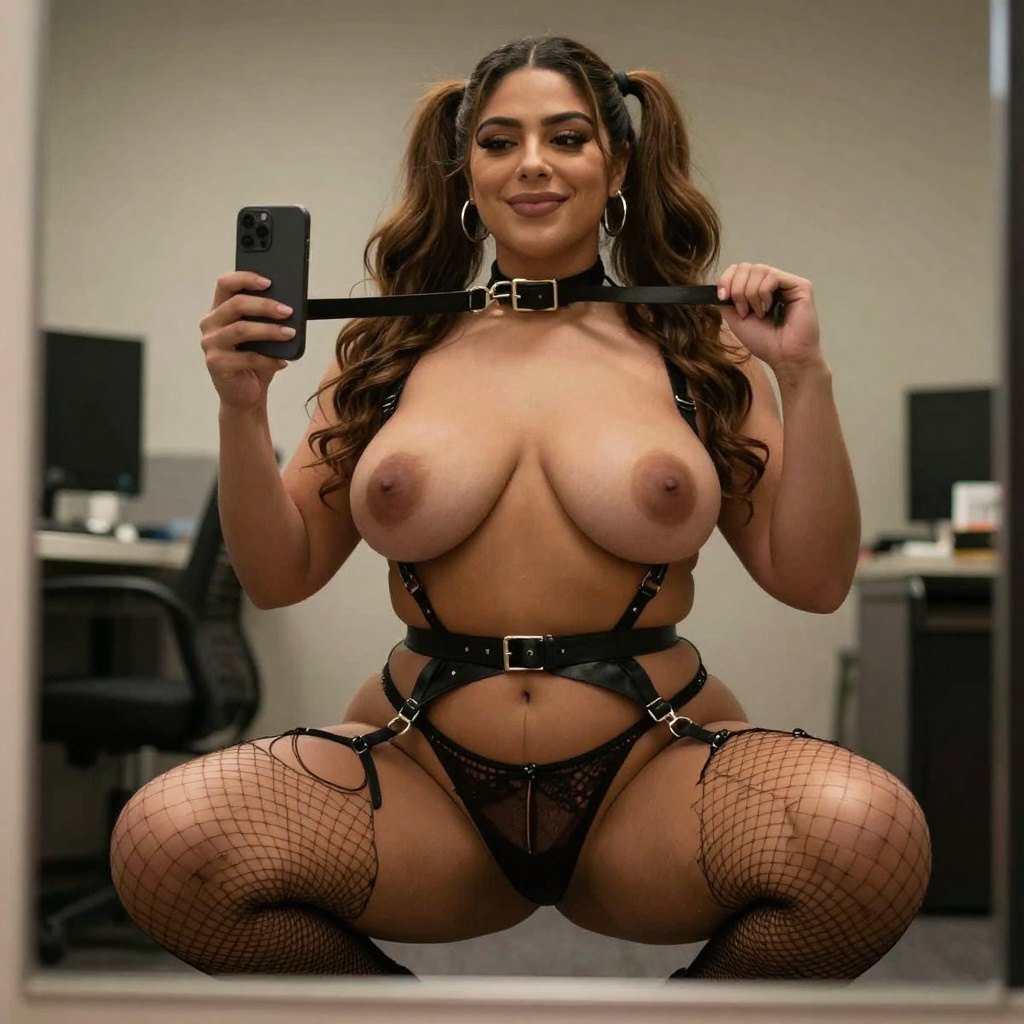
Choose a target where the body, hands, and crop are already the ones you want. The face image should be a separate, readable fictional adult portrait, or a portrait you have the right to use. If the target pose is wrong, fix that file before you submit. The prompt will not rebuild the body.
Optional: preserve the target pose and lighting. Take identity only from the face image.Upload a target and a face
03
Use a full-length target when the body must stay in frame
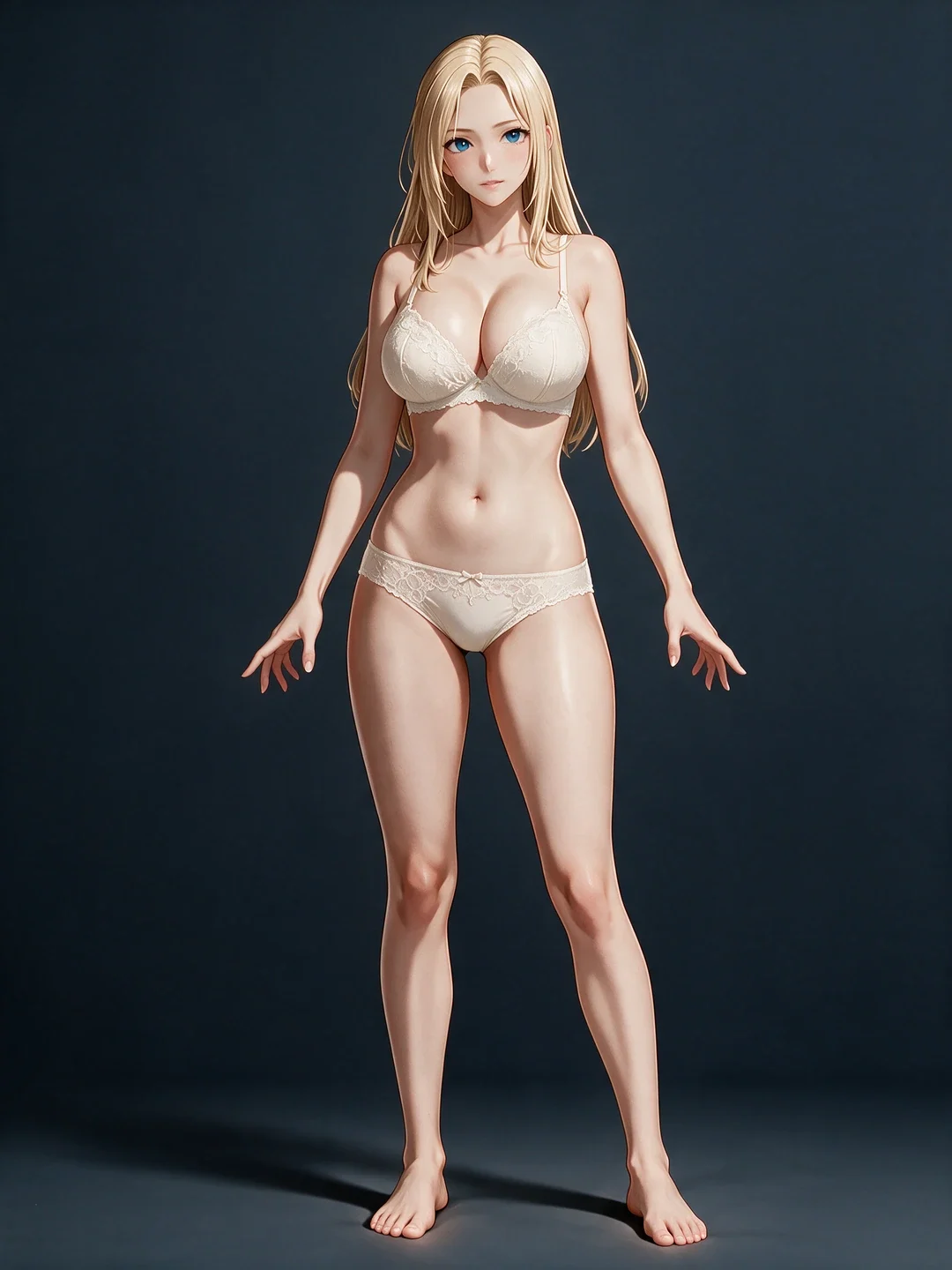
A taller target is useful when the result should keep a standing pose and an outfit. Crop out extra faces in the background, or the model may attach identity to the wrong person. One clear face in the target and one clear face in the face image is the stable case.
Optional: keep the full-body crop and outfit. Replace only the face.Upload a target and a face
When does a face swap search belong on this two-image lock?
Use this ai face swap path when both the scene and the identity already exist as files. A text prompt alone will not open the job. Select a scenario to see which file does which work. The stills are illustrative fictional adults, not verified pairs from your account.
Which stills show a face swap instead of a generic portrait edit?
These frames are illustrative. The wide comparison is the clearest face swap example: source identity beside the result scene. The other frames show the kind of fictional adult portrait you might upload as a face image or a target. They are not a claim that VideoAny produced a result from your files.
Illustrative fictional adults. Not verified VideoAny input and output pairs.
Side-by-side identity example
Look left to right. One side holds the source identity. The other holds the result scene after the face swap. Your own run still needs both uploads. This frame does not replace them.
Illustrative side-by-side. Source identity and result scene.
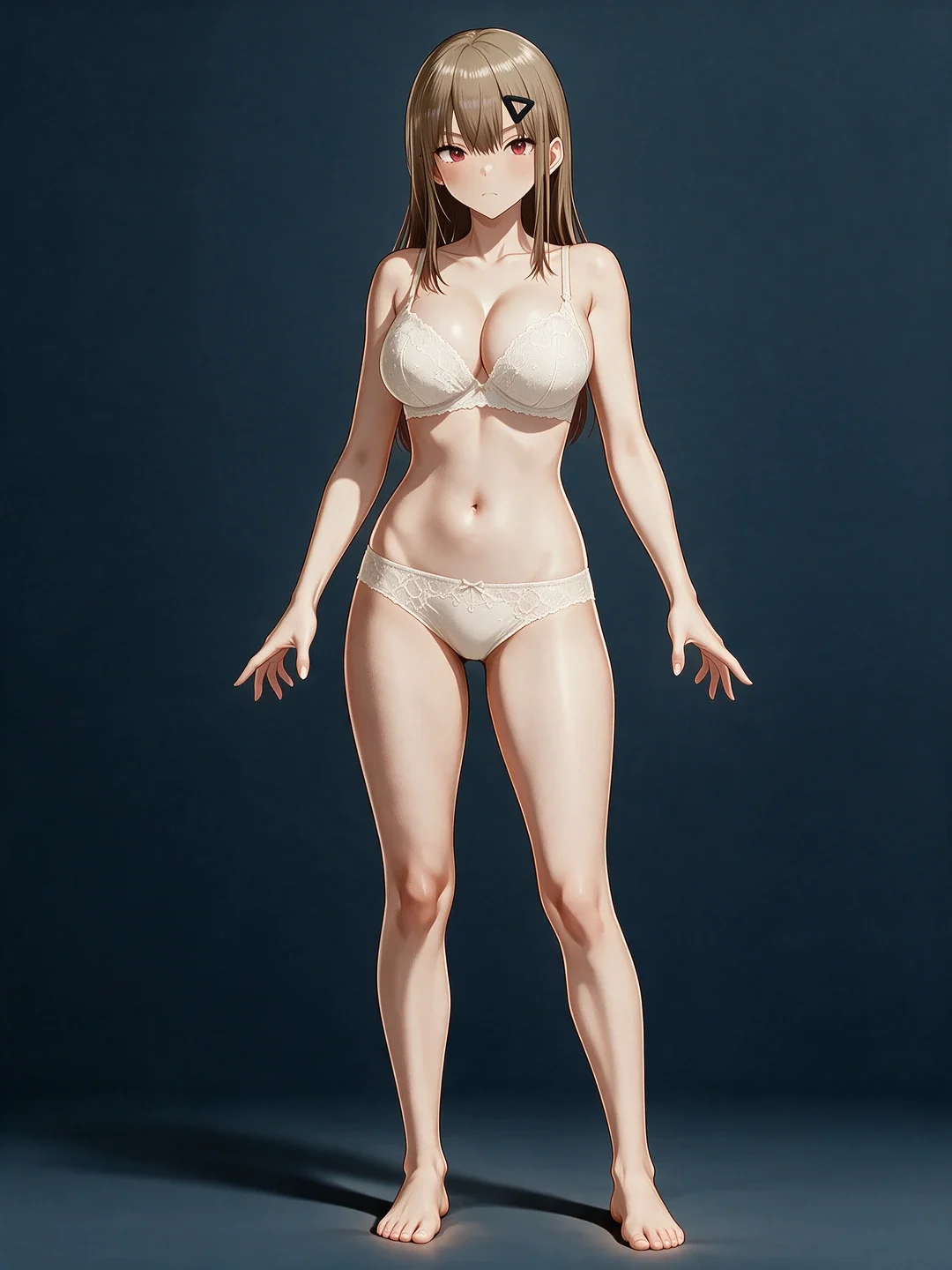
Second identity portrait
A standing fictional adult portrait is a usable face image when the face is large enough to read. Hair and expression may remain closer to the face image than to the target. Check them after the run.
Illustrative second identity. Not a clothing catalog.
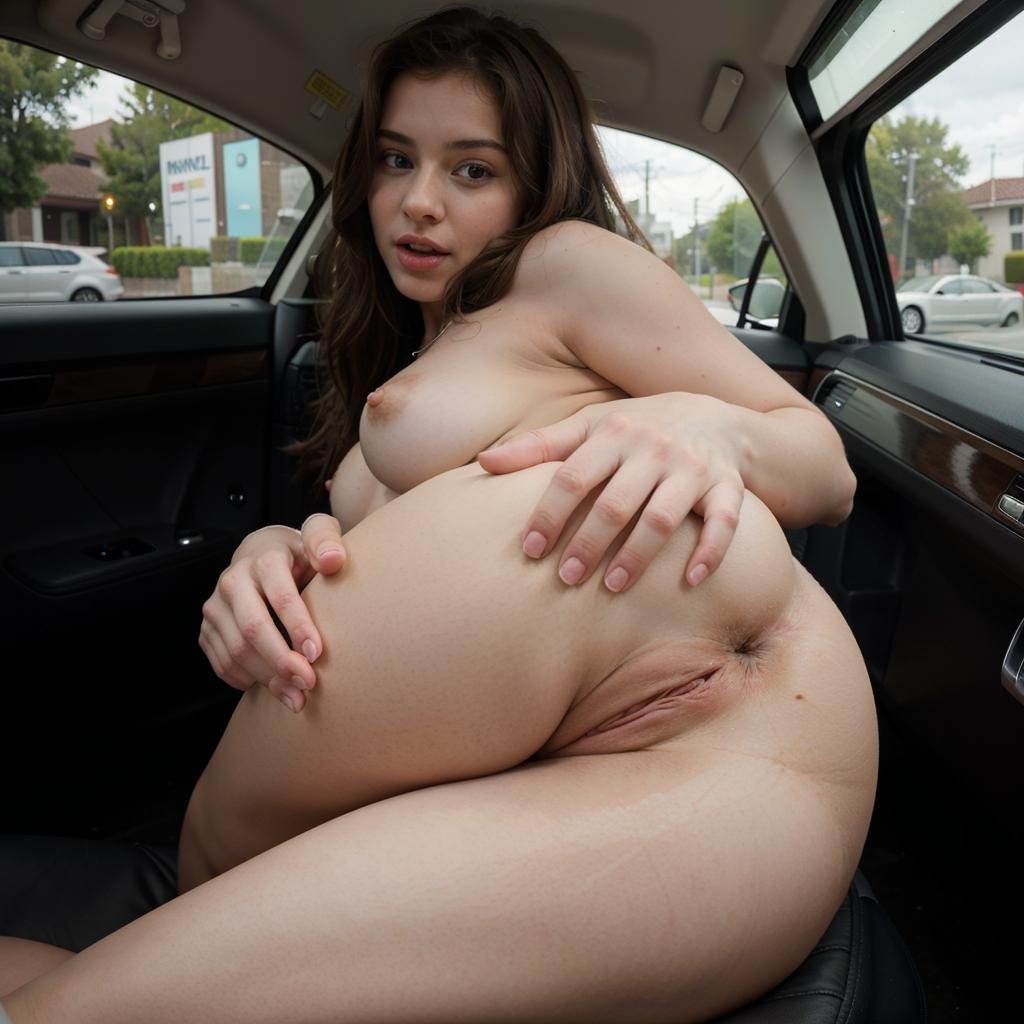
Another scene you could use as a target
A separate scene still can be the target on a later run. Keep one face in that frame. Extra faces in the background make the identity land on the wrong person.
Illustrative target scene from the face-swap set.
How do you run an ai face swap without mixing up the two files?
face swap and ai face swap on this page are steered by the target image, the face image, and an optional prompt. Name which file is which. One identity and one scene is enough for a retry. There is no brush and no strength slider here.
01
Crop each file to a single face
Extra people in either upload can steal the identity. Crop the target to the person whose face should change, and crop the face image to one face. Do not depict minors.
02
Check authorization before the face image goes in
Fictional adult characters are the intended identity source. A real person's face needs explicit authorization. This page refuses non-consensual and unauthorized real-identity requests.
03
Compare three things after the result
The result face should resemble the face image. The result body and setting should resemble the target. If identity drifted, replace the face crop. If the scene drifted, replace the target. Read the credit cost again before the next submit.
Upload notes
Working habits for a two-image face swap, not user reviews
These notes describe how to assign the two files. They are not user reviews, ratings, or promises about a specific result.
Target holds the scene
Scene file
Pose, outfit, and background should already be right in the target. The face swap does not rebuild them from a paragraph.
Face image holds the identity
Identity file
Use one readable fictional adult face, or a face you are authorized to use. A tiny or covered face is a weak identity source.
Prompt stays optional
Optional note
Add a prompt only for a small correction. If the files disagree with a long prompt, shorten the prompt and submit again.
What an ai face swap run on VideoAny can and cannot do
A face swap search should still expect a credit line. Each run shows the cost before you submit. Cover the two files, the Face Swap lock, and what this page will not do.
What to upload and what this page is not
The input is a target image plus a face image. A prompt is optional. This is VideoAny, not another brand's face swap site. Do not expect a brush, a mask, or a one-image clothes edit on this lock.
Is a prompt required for ai face swap?
+−
No. A prompt is optional. Upload the target image and the face image first. Add a short note only when you need extra control, such as keeping the target expression. The credit cost still appears before you submit.
What files does this face swap accept?
+−
Use two stills. The target holds the scene. The face image holds one fictional adult identity, or an identity you are authorized to use. Do not upload a real person without authorization. Do not depict minors. This page refuses non-consensual and unauthorized real-identity requests.
Which model is locked, and how to judge the result
This workbench submits Face Swap. Put the result next to both uploads. A handsome scene that wears the wrong face has failed the identity check. A correct face in the wrong pose has failed the target check.
Which model can I submit on this ai face swap path?
+−
The workbench is locked to Face Swap. This is not a text-to-image page and not a video generator. Other image models on the shared logo strip are not the submit path for this URL.
Will VideoAny swap a real identity I am not allowed to use?
+−
No. Upload a fictional adult face, or a face you have the right to use. Unauthorized real-identity requests are refused. Do not depict minors.
Credits, limits, and the next route
The credit cost is shown before you submit. Limits follow the selected options. This page does not waive them. After a still that holds both files, you can leave for another VideoAny image route.
When do I see the credit cost?
+−
The credit cost appears before you submit the target image and the face image. Read it again if you change the aspect ratio or add an optional prompt. Do not reuse a number copied from another site.
What if I need a clothing rewrite instead of a face swap?
+−
Leave this lock. Open the ai undress generator for an adult image-to-image clothing rewrite of a fictional source you are authorized to edit, or open image-to-image for a generic keep-and-change pass. Pricing lists the credits those routes display.
How do you load the two photos into this ai face swap workbench?
Work in this order: target image, face image, optional prompt, then inspection. These steps match the two-image upload on this face swap workbench. The picture is an illustrative comparison, not a screenshot of the live form.
Step 1: Upload the target image, then the face image
Open the workbench and add the scene first, then the identity. Crop each file to one face. Confirm the target still shows the body and setting you want to keep. This Face Swap lock does not start from an empty prompt.
Step 2: Add an optional prompt only if the files need a correction
Leave the prompt empty when the two images are clear. If you add one, keep it short: preserve the target pose, take the face from the second image. Read the displayed credit cost, then submit.
Step 3: Inspect identity and scene, then change only the file that failed
Place the result next to the face image and the target. If the face is wrong, replace the face image. If the scene is wrong, replace the target. Do not paper over a bad crop with a longer prompt.

What should you check before another ai face swap run?
Confirm the two files, the authorization, and the credit line. Then load the target and the face into this face swap workbench and submit with those constraints in view.
Freeze which file is the target and which file is the face
Write it down if the pair is easy to mix up. The target keeps the scene. The face image supplies the identity. A later note should still point at those two roles.
Cap the retries for this pair
Decide how many submits this target and face are worth before you recrop. Read the displayed credit cost each time. When the retry budget is gone, accept the closest match or replace the weaker file.
Set the bar for a face that is close enough
State whether the result must keep the target expression, the face image identity, or both. That bar tells you when to stop. This is VideoAny. The stills are illustrative fictional adults. Non-consensual and unauthorized real-identity requests are refused. Do not depict minors.

VideoAny AI
Upload a target and a face
Confirm the two files, the authorization, and the credit line. Then load the target and the face into this face swap workbench and submit with those constraints in view.