
IKnewU
GPT Image 2 Generator: rewrite a still from one photo
This GPT Image 2 generator is a prompt-led image-to-image workbench. Upload one still, write what must stay and what may change, then generate. It is not text-to-image and it does not generate video. This route locks the workbench to GPT Image 2, shown as GPT Image 2.0. GPT Image 2 accepts one reference image. Resolution stays at 1K and you still choose an aspect ratio from the sizes it lists. The credit cost for GPT Image 2 and the selected options appears before you submit.





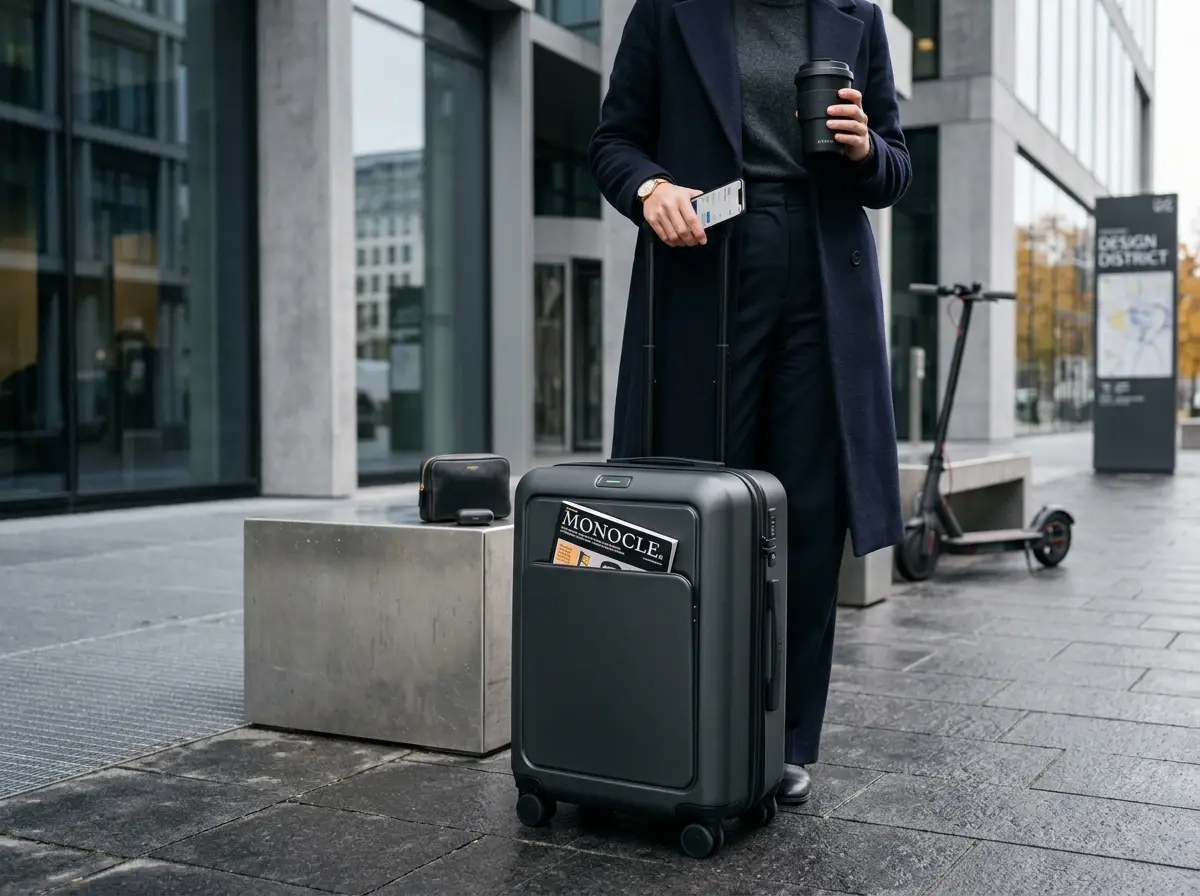
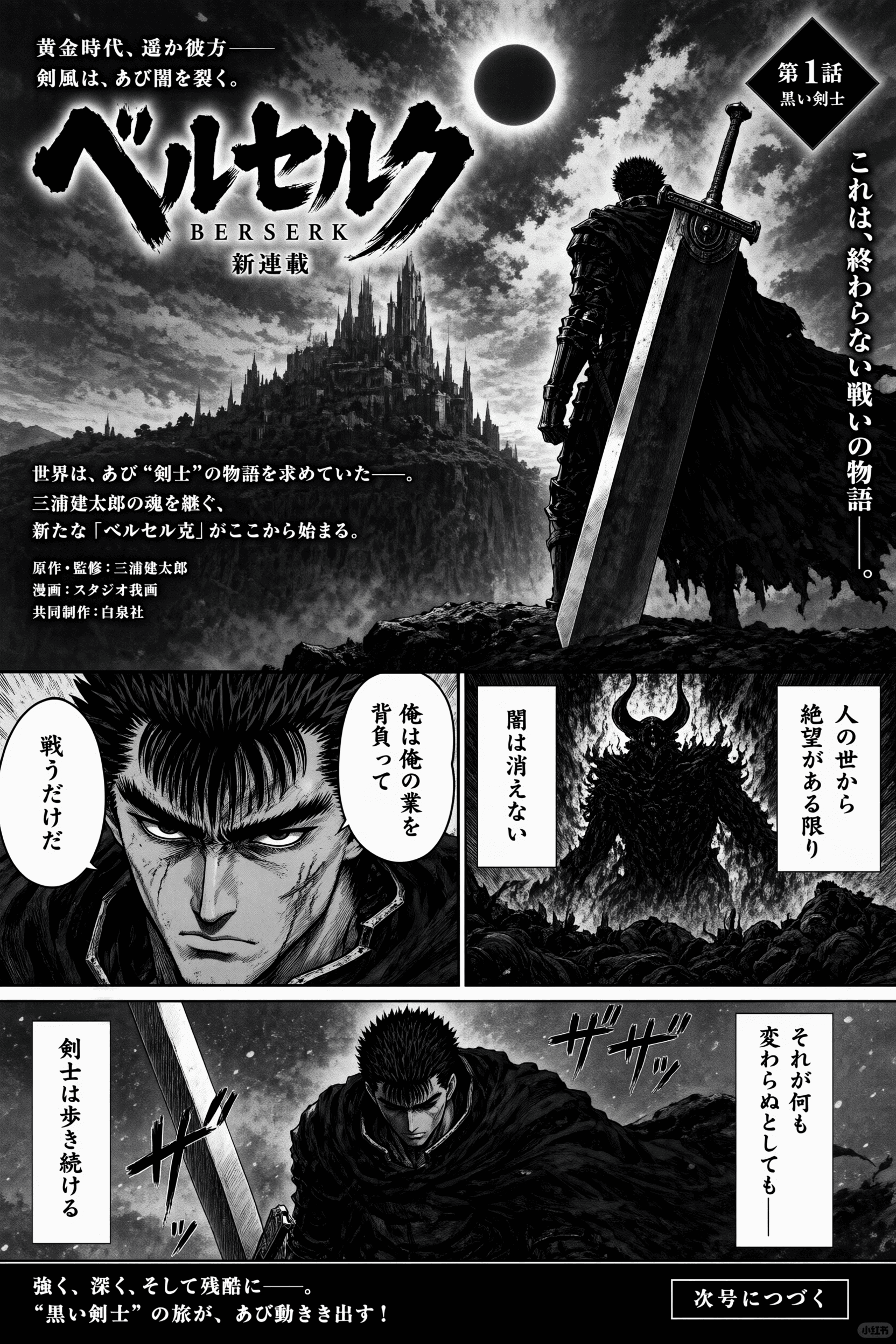
Which model and crop choices keep a GPT Image 2 generator pass honest to the upload?
This route locks the image-to-image workbench to GPT Image 2. You still choose aspect ratio; resolution stays at 1K for this model. Those choices sit beside the uploaded still and the keep-and-change notes. The strip below reuses the image-to-image template logos; availability follows the locked selector, not every logo.
01
Keep GPT Image 2 selected for a referenced rewrite
A photographic or graphic source on this GPT Image 2 generator stays on GPT Image 2, shown as GPT Image 2.0, so the upload remains the source of subject, crop, and camera height. This route does not add other models to the selector. Other logos in the strip are template chrome. Read the displayed credit cost before you generate.
02
Match aspect ratio to the uploaded still, not to a later crop
GPT Image 2 lists 1:1, 16:9, 9:16, 4:3, and 3:4. If you need the same frame as the photo, match that ratio so the generator is not forced to invent edges, floor, or extra objects. If the destination is a story frame or a banner, say so and accept that the source will be reframed. A mismatch can stretch a product or crop a label. A ratio setting is not a substitute for an upload.
03
Treat resolution as a review choice on GPT Image 2
On this GPT Image 2 generator, resolution stays at 1K. Recheck the displayed credit cost after you change ratio. 1K is a review and budget fact for this model, not a claim that GPT Image 2 will lock the source pixel for pixel.
What can a GPT Image 2 generator change when you upload one still?
A GPT Image 2 generator on this route still needs one reference photo. You decide which parts of the subject must remain, which backdrop, color, or light notes may move, and how far the new still can drift. The pictures below are illustrative image-to-image template stills, not before-and-after proof of a GPT Image 2 edit, and not verified input/output pairs.
01
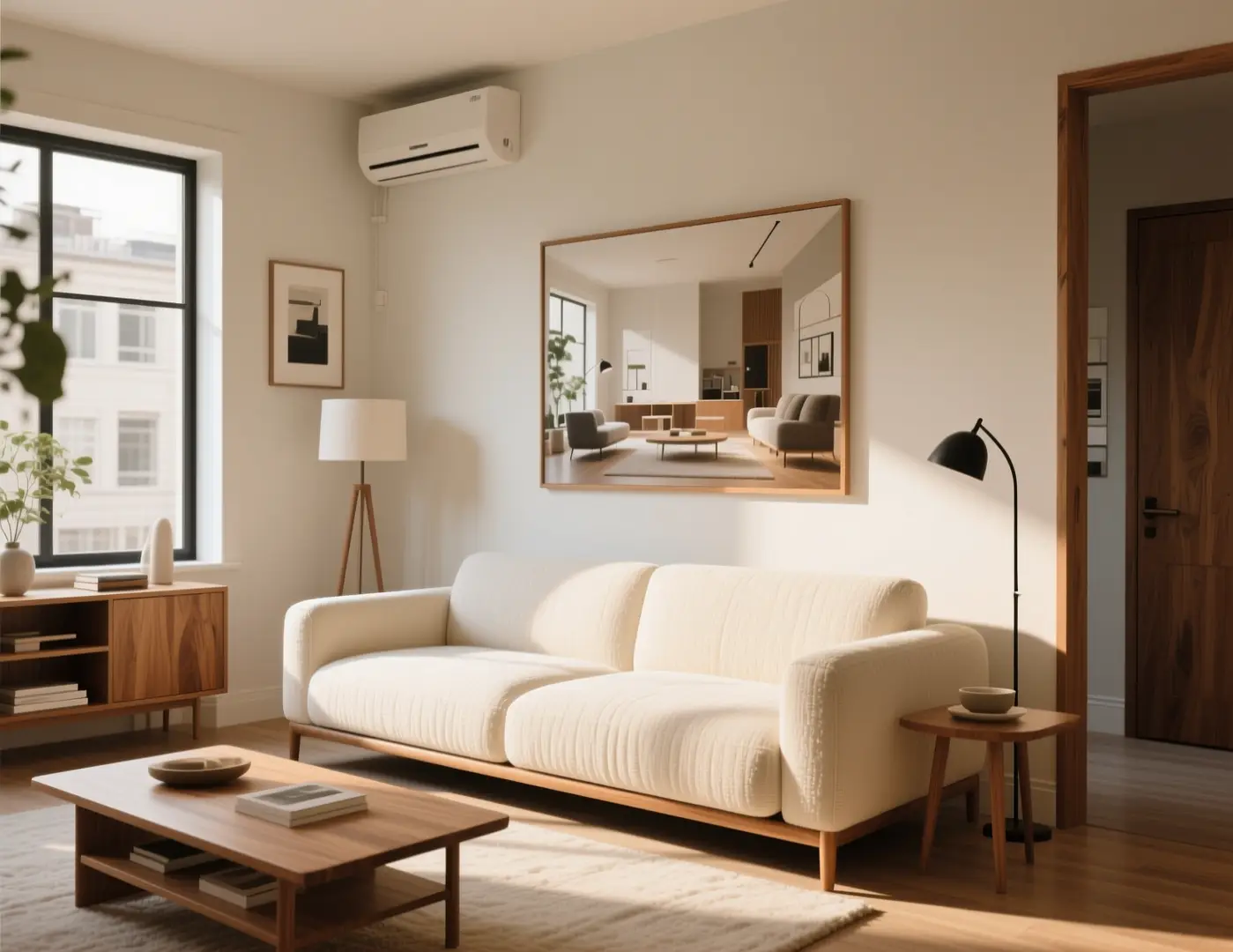
Choose a reference that already holds pose and camera height
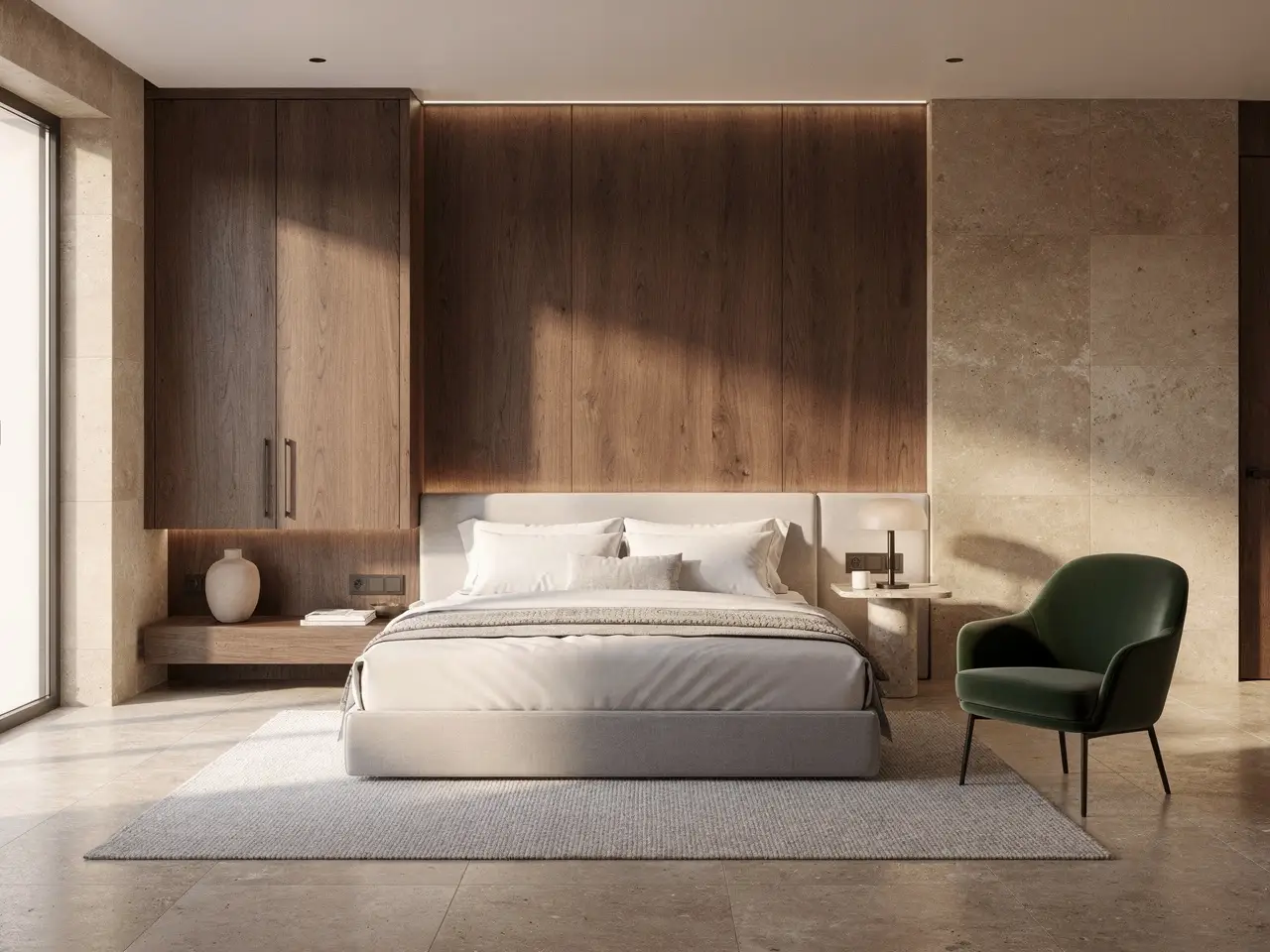
Pick a still where the subject, camera height, and main masses are already right. A sharp product pack, a room photo with a clear vanishing point, or a line drawing with readable shapes all work better than a busy collage. If the source pose is wrong, recrop or reshoot it first. Prompt notes cannot invent a stance the upload never held. The room still here is an illustrative template frame for keep-and-change discipline, not a verified GPT Image 2 pair.
Keep the living room layout, sofa, plants, and camera height from the uploaded photo. Change only the lighting: cooler overcast window light, slightly deeper shadows under the coffee table, same furniture, no extra windows or chairs.Run a GPT Image 2 generator pass
02
State what must stay and what may change in one short list
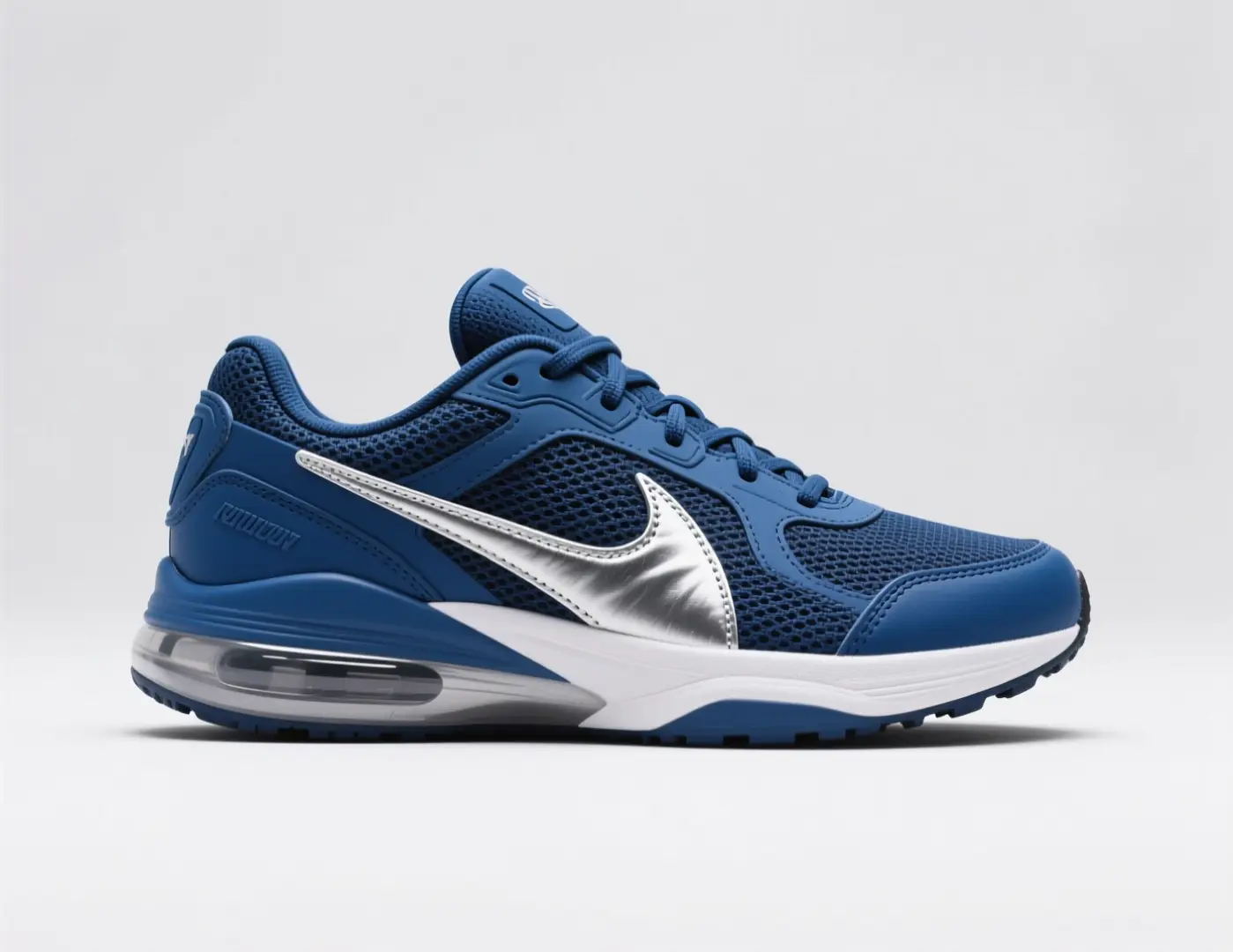
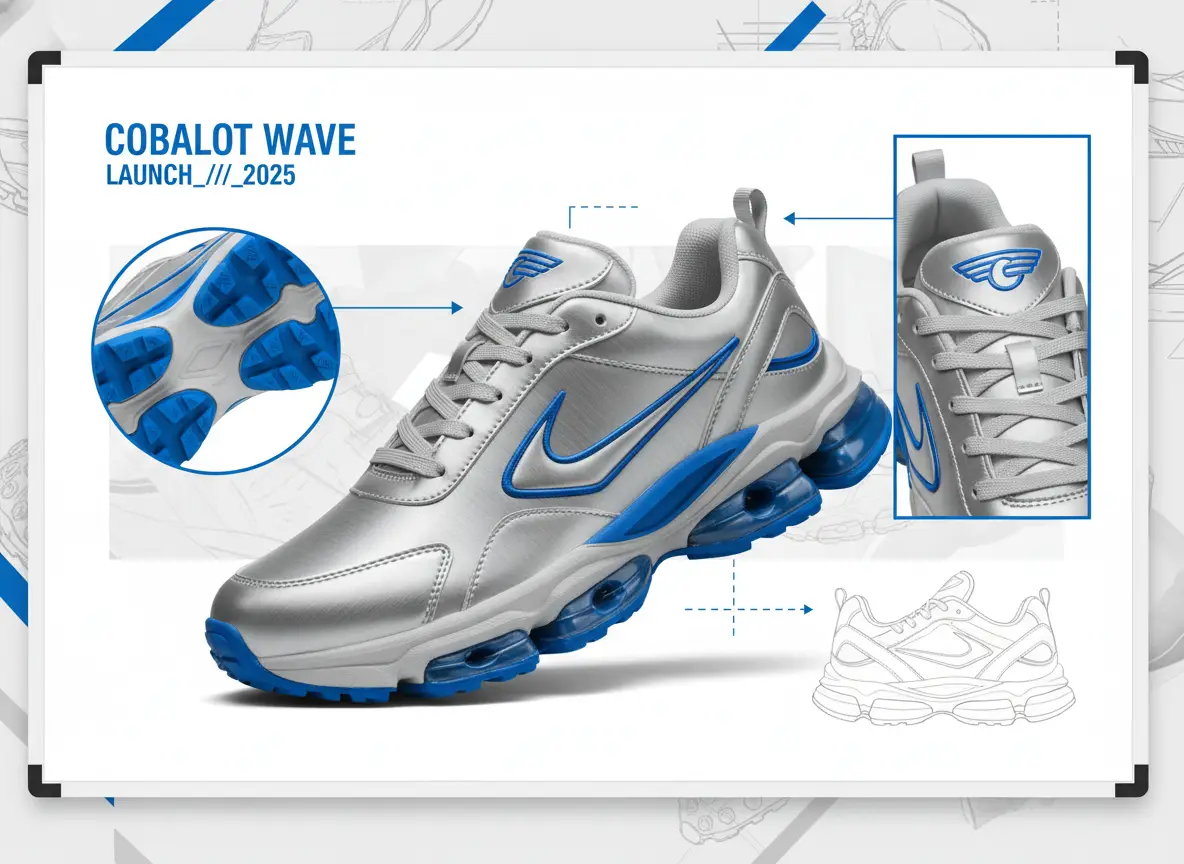
Write two short lists. Keep: silhouette, logo placement, furniture layout, or pose. Change: season, materials, colorway, or finish. Mixing those into one mood sentence hides why a result drifted. After each run, check the keep list first. If a keep item moved, try a simpler change list instead of adding more adjectives. The sneaker still is an illustrative template source for a one-fact change list.
From the uploaded sneaker photo, retain the last, sole shape, stitching, and three-quarter angle. Request a colorway change only: deep burgundy upper, off-white midsole, no extra logos, same catalog crop.Run a GPT Image 2 generator pass
03
Rewrite a neighboring still instead of starting from a blank page
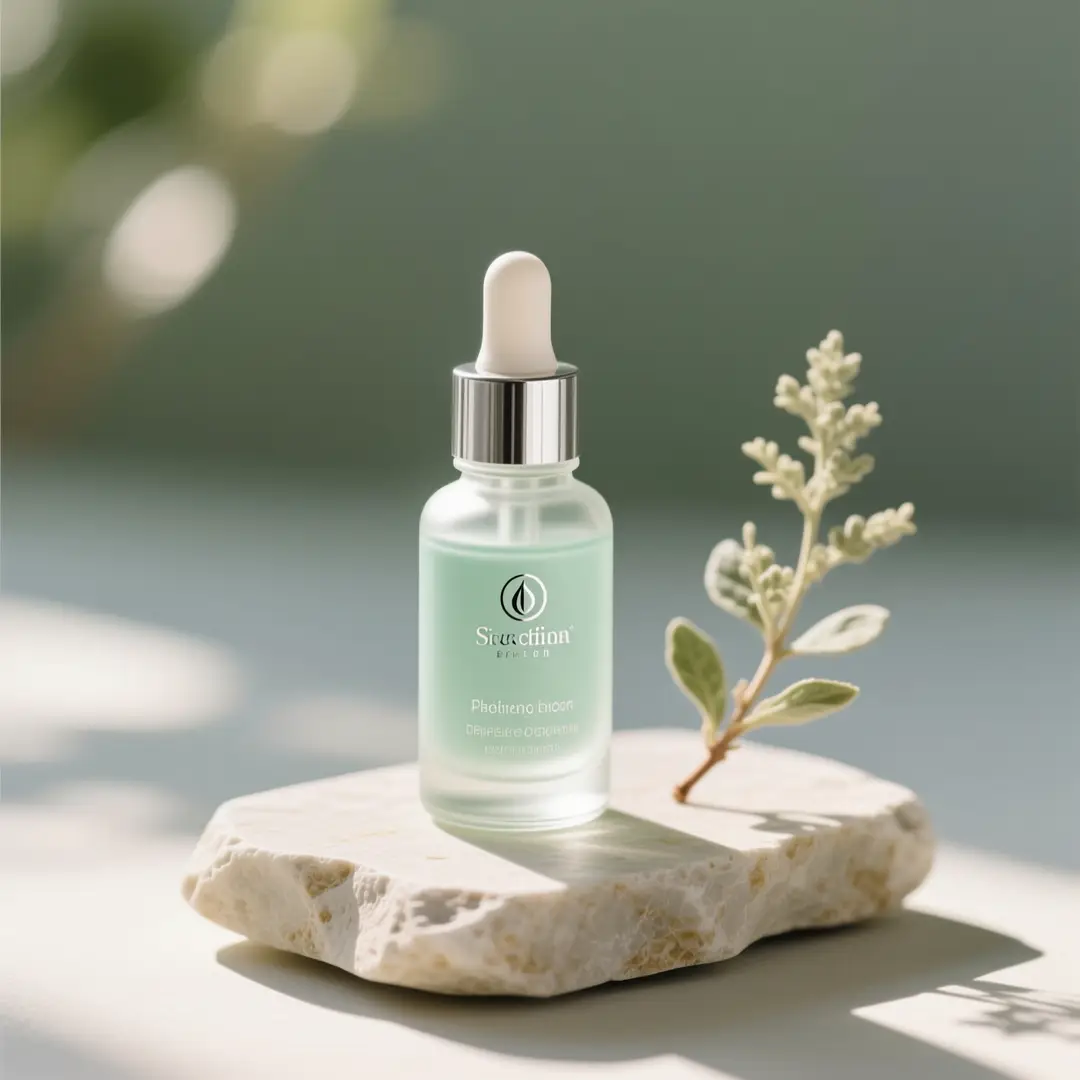
Use this GPT Image 2 generator when the object, room, or drawing already exists in the photo and you need a neighboring still: a quieter backdrop, a new colorway, or a different light. You are not inventing the subject from a paragraph. That blank-page job belongs on the text-to-image generator. Compare every output to the file you uploaded. The bottle still is an illustrative template frame, not proof of a GPT Image 2 rewrite.
Keep the dropper bottle, cap, scale, and front-facing crop from the upload. Do not invent extra label lettering. Move the set onto cool slate with a window wash from the left and a quieter floral accent.Run a GPT Image 2 generator pass
When does a GPT Image 2 generator help more than generating a new still?
Use this GPT Image 2 generator when the object, space, or drawing already exists and you need a neighboring version. Select a scenario to see the kind of source this workbench is for. A text prompt alone will not open this image-to-image route. The stills are illustrative template frames, not verified GPT Image 2 pairs.
What source types help a GPT Image 2 generator keep the subject while changing finish or light?
These frames come from VideoAny's model-page libraries and the shared image-to-image template. Treat them as sample sources you might study before you upload your own still to this GPT Image 2 generator, not as proven before-and-after case studies and not as verified GPT Image 2 output.
Illustrative references. Not verified VideoAny input/output pairs.
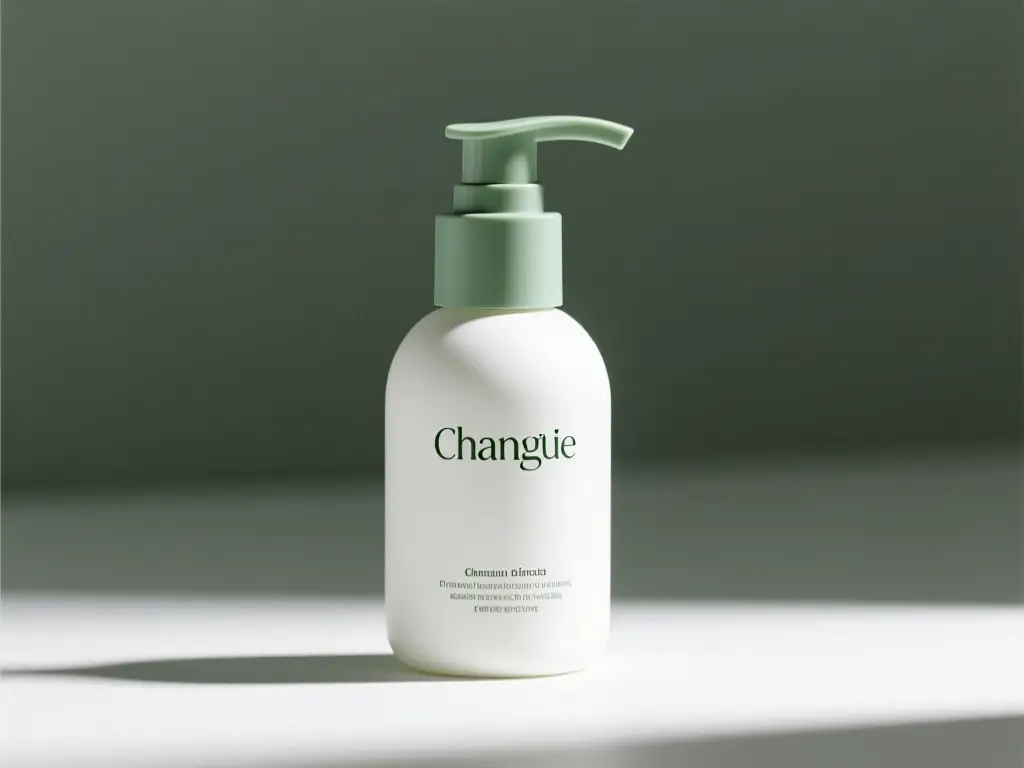
Reference-guided pack
A pack that already shows label placement is a better source than a mood collage. Crop to the product before you ask for a new surface or season. Extra objects in the frame will be interpreted. This pack board is an illustrative template still, not a GPT Image 2 pair.
Illustrative source for a label-aware rewrite. Not a verified GPT Image 2 generator pair.
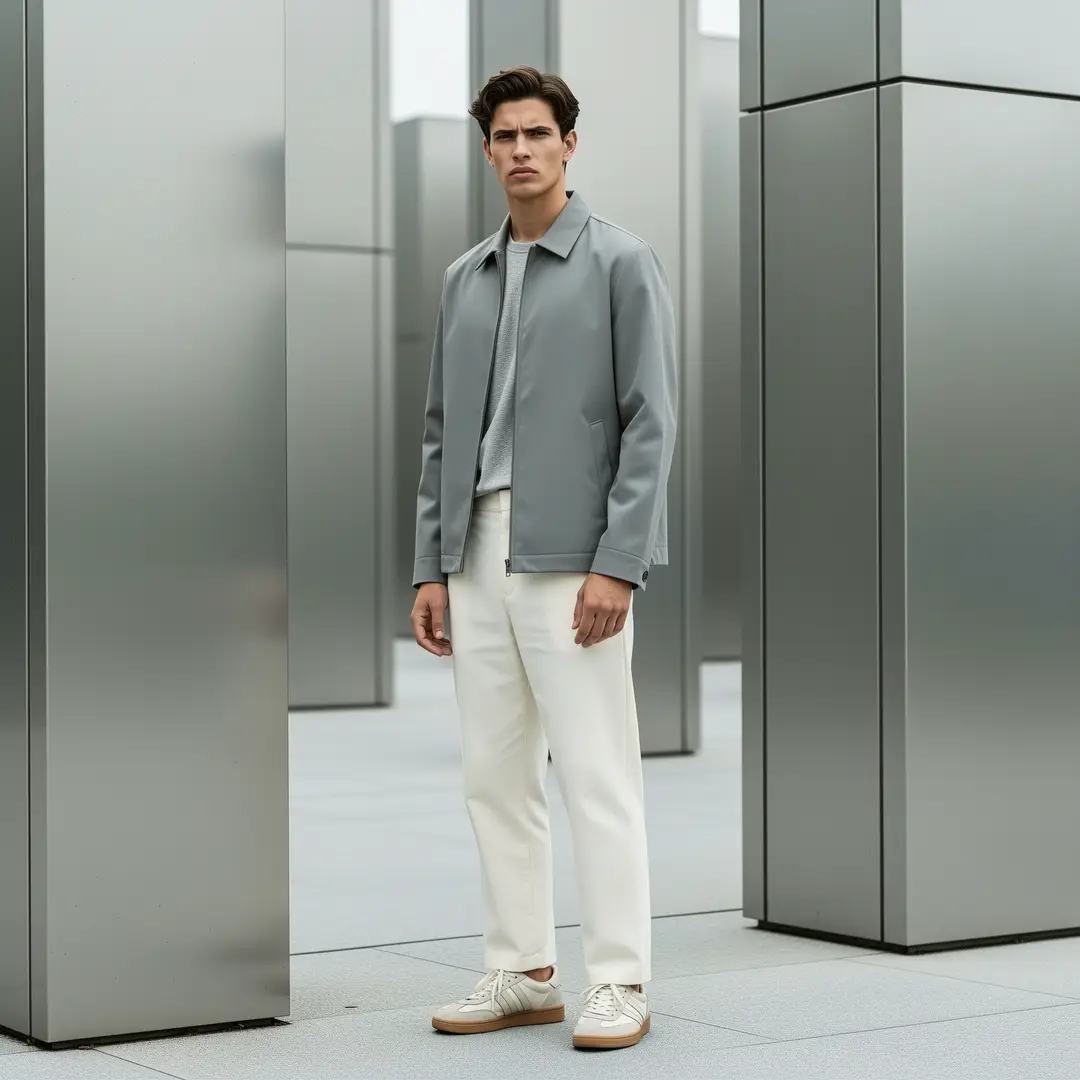
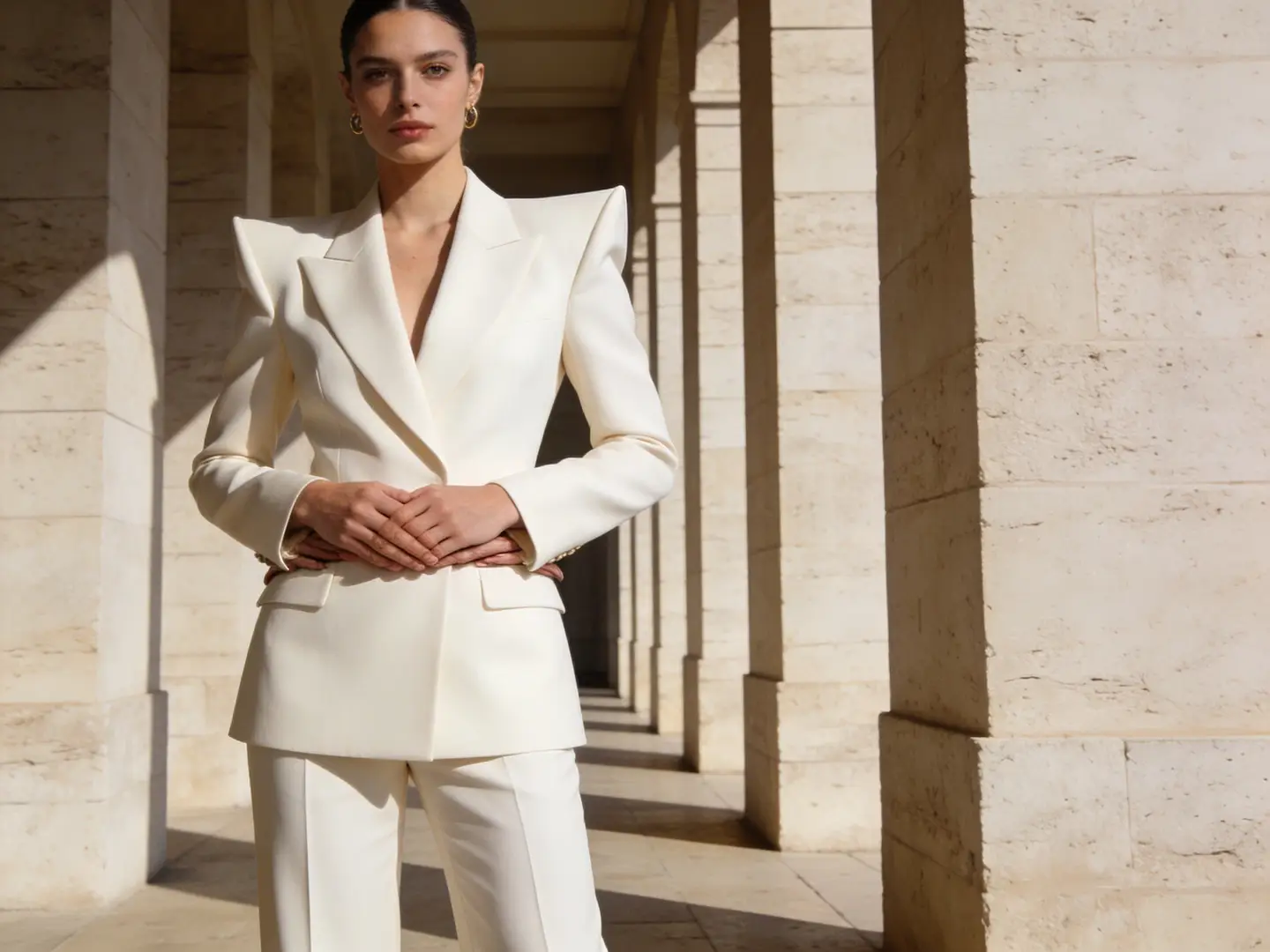
Lookbook frame
A full-length outfit still can take a new venue if you keep pose, garment, and crop in the keep list. Broad restyle language is how extra accessories appear. Name the load-bearing parts once, then list the one backdrop or lighting change you actually want.
Illustrative lookbook source for a venue or lighting change. Not verified GPT Image 2 proof.
Colorway board
A clean product on a plain field is easier to recolor than a lifestyle crop with busy reflections. Hold shape and stitching; change only the palette. Inspect the sole and any label area against the upload after the run. The sneaker board is an illustrative template for one-fact tests on this GPT Image 2 generator.
Illustrative board for colorway tests from one source. Not a verified GPT Image 2 generator set.
How do you write keep-and-change notes for a GPT Image 2 generator?
This GPT Image 2 generator is steered with notes, model, and crop. Name objects you can count. One environmental or finish change is enough for a retry. There is no mask, region brush, inpaint control, or strength slider here.
01
Crop the source to the job before you upload
Desks, browsers, and extra products will be interpreted. A cleaner source is the cheapest control you have. GPT Image 2 accepts one reference image, so send the crop you actually want rewritten. If you are adapting a pack shot, keep the label readable in the frame you send.
02
Keep the keep list shorter than the change list is tempting to write
A long change paragraph is how extra windows, bottles, and accessories appear. Write the keep list in objects. Write the change list as one fact. If the first result drifts, shorten the change list rather than narrating the entire scene on this GPT Image 2 generator.
03
Inspect the source and the result together
Walk silhouette, object count, lettering, and camera height. A handsome restyle that invents a second bottle has failed the keep list. Decide in advance which errors you will accept before you spend another run. Prompt-led editing is iterative; it is not a local retouch desk.
Creator workflow notes
Working habits for a referenced rewrite, not user reviews
These notes describe common ways to run a keep-and-change pass on this GPT Image 2 generator. They are not user reviews, ratings, or promises about a specific result.
Lighting rewrite
Interior workflow
Keep furniture count and camera height. Change only the window light. If a new chair appears, the change list was too broad.
Colorway rewrite
Product workflow
Keep last, stitching, and angle. Change only the upper color. Inspect the sole and any label area against the upload.
Finish rewrite
Illustration workflow
Keep pose and staging lines. Name the new medium in one clause. Check hands, eyes, and lettering before you accept the plate.
What a GPT Image 2 generator run can and cannot do
A GPT Image 2 generator search should still expect a credit line. Each rewrite shows the cost for the selected model and options before you generate. Cover the still you upload, how far the frame may drift, and what this page will not do.
What to upload and what to write beside it
The input is one reference still plus notes. A single clear photo beats a montage. Write keep-and-change in plain language. Do not expect a mask, a region brush, or a numeric strength control; those are not how this page is set up. Fix a blurry source before you generate.
What kind of file works as a reference?
+−
Use one still where the subject is large and readable. Product photos, room photographs, and line drawings work better than collages or tiny thumbnails. GPT Image 2 accepts one reference image. This workbench will not start from an empty prompt, and it will not generate video.
Do I have to describe the whole picture again?
+−
No. Name what must remain and what should change. If the first result drifts, shorten the change list rather than narrating the entire scene.
How to judge whether the result is close enough
Open the source and the new still side by side. Check silhouette, count of key objects, and any lettering. A handsome restyle that invents a second bottle or a new window has failed the keep list. Decide in advance which errors you will accept.
Why did the new still invent objects that were not in the photo?
+−
Broad change language or a ratio that does not match the source can invite extra objects. Narrow the change list, match the crop, and try again on this GPT Image 2 generator.
Can I lock one region and freely restyle the rest?
+−
This workflow does not provide precise edit masks, inpaint brushes, or strength sliders. You steer with notes and ratio on GPT Image 2. Use a dedicated local editor if you need a region retouch. This page does not invent a new subject from text.
Credits, limits, and sensible next steps
This GPT Image 2 generator stays on GPT Image 2. Resolution stays at 1K. Review the displayed credit cost every time you change ratio. After a still that holds the source, you can move it into motion on a video route. This page does not waive those limits or invent an open-ended run budget.
Is the cost the same as generating without a reference?
+−
Not necessarily. The workbench shows the cost for the model and options selected on this path. Read that value rather than reusing a number from another tool.
What if I need a new idea that the reference should not constrain?
+−
Write a text-to-image brief instead. A source file will keep pulling the still toward the upload. For motion from the rewrite, continue in image-to-video. This GPT Image 2 generator stays on stills.
How do you load a photo into this GPT Image 2 generator?
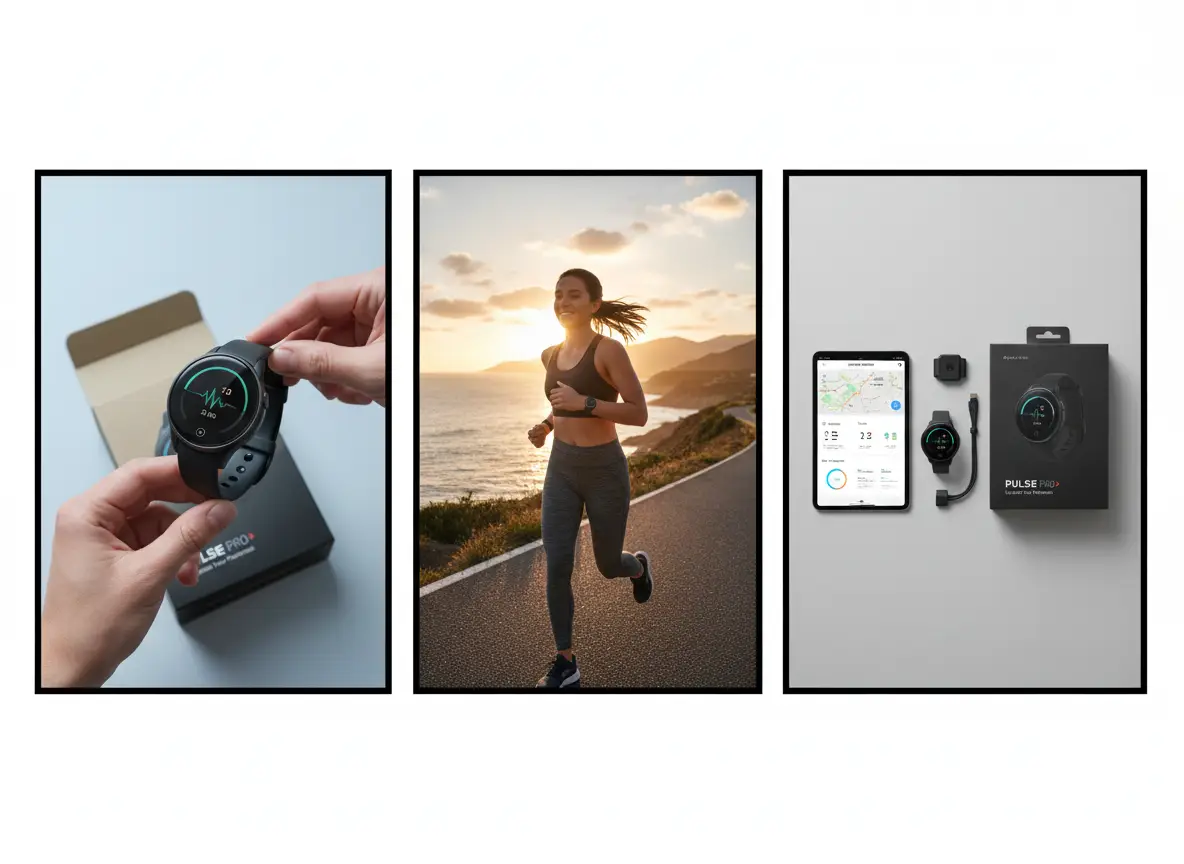
Work in this order: file, notes, selections, then inspection. These steps match the upload area, prompt field, and toolbar on this GPT Image 2 generator. The picture is an illustrative board, not a screenshot of the live form.
Step 1: Upload one clear reference and crop it to the job
Open the workbench and add a single still. Crop out desks, browsers, and extra products that you do not want interpreted. Confirm the subject fills the frame. GPT Image 2 accepts one reference image. If you are adapting a pack shot, keep the label readable. A cleaner source is the cheapest control you have. This generator will not start from an empty prompt.
Step 2: Write keep-and-change notes, then set ratio on GPT Image 2
Type the keep list first and the change list second. This route keeps GPT Image 2 selected. Match aspect ratio to the upload unless the destination truly differs. Resolution stays at 1K. Read the displayed credit cost and any limit for that combination, then generate.
Step 3: Inspect fidelity, then adjust only the clause that failed
Place the result next to the upload. Walk silhouette, object count, lettering, and camera height. If the finish is wrong but the structure held, change only the medium clause. If structure broke, simplify the change list or recrop the source.
What brief, budget, and quality checks should you finish before another GPT Image 2 generator run?
Write the keep list, cap the retries, and define how close is close enough. Then load the still into this GPT Image 2 generator and generate with those constraints in view.
Freeze the brief as keep-and-change, not as a mood
Write the keep list in objects you can count. Write the change list in one environmental or finish fact. If either list is a pile of adjectives, edit it before you upload. Put both lists next to the source file. Every later note should still point at those lines.
Cap the budget for retries on this file
Decide how many attempts this still is worth before you recrop or reshoot. Read the displayed credit cost for GPT Image 2 and the ratio you selected. When the retry budget is gone, accept the closest keep-list match or fix the source. Starter credits are a finite retry budget, not an open-ended edit desk.
Set the fidelity bar you will inspect against
State whether a mood match is enough, whether labels must stay readable, or whether object count must match the source. That bar tells you when to stop and when to leave for a retoucher. Open the workbench after those three decisions are written.
VideoAny AI
Run a GPT Image 2 generator pass
Write the keep list, cap the retries, and define how close is close enough. Then load the still into this GPT Image 2 generator and generate with those constraints in view.